Evaluate Cozi when your family wants schedules and household lists in a common organizer. Evaluate TimeTree when different groups need separate shared calendars. Start with who should see and change the information, then decide where each schedule will be maintained. A feature is useful only if its sharing arrangement fits the people involved. Cozi overview, TimeTree sharing scope.
Compare the decisions that affect your household
This comparison uses official documentation checked September 19, 2026. The recommendations are editorial judgments about documented features, not a speed or usability ranking from hands-on testing. Neither app wins every household's decision: the important distinction is whether everyone needs the same organizer or different audiences need separate calendar spaces. Cozi overview, TimeTree sharing scope.
| Decision | Cozi overview | TimeTree guide |
|---|---|---|
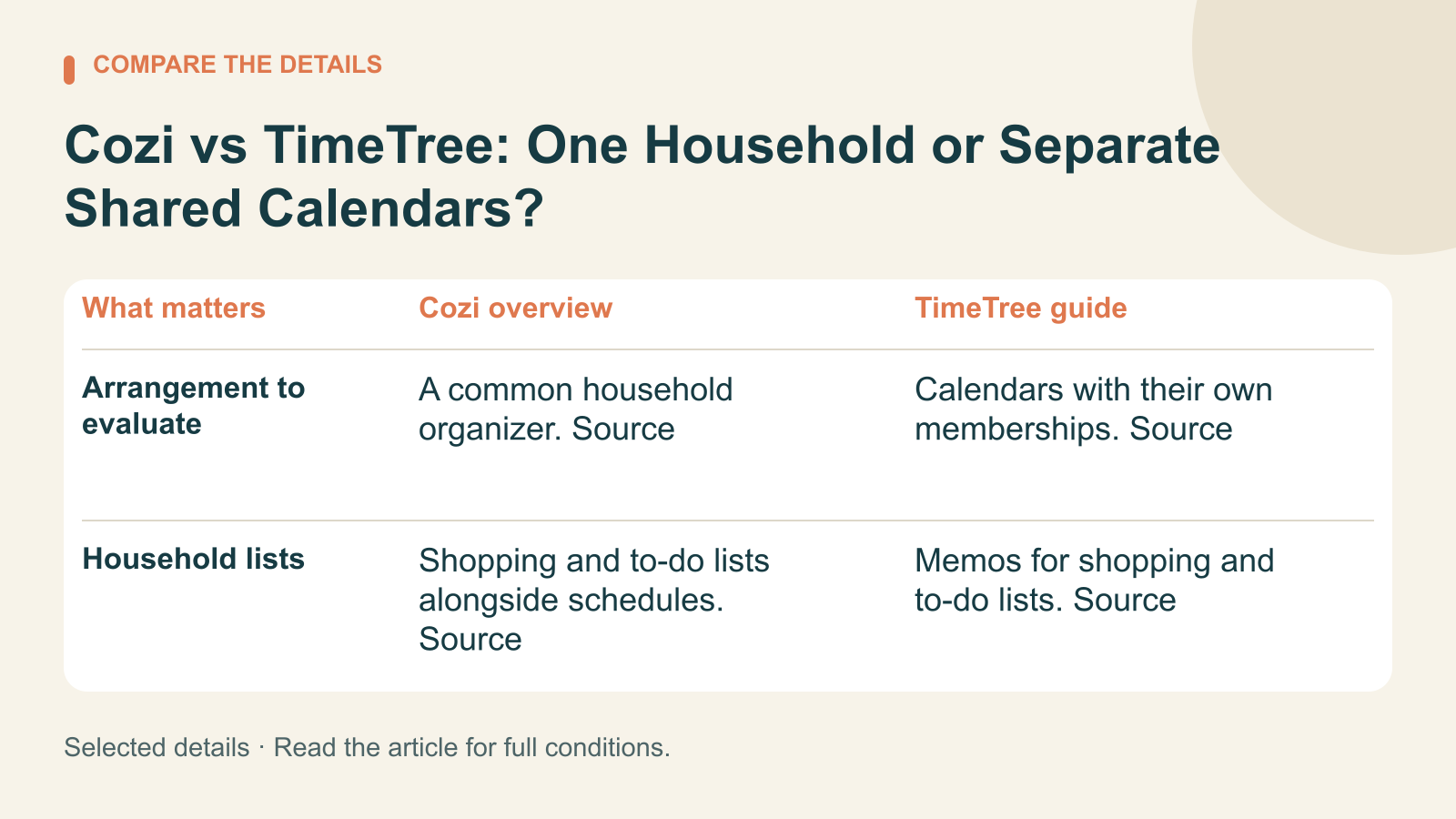
| Arrangement to evaluate | A common household organizer. Source | Calendars with their own memberships. Source |
| Household lists | Shopping and to-do lists alongside schedules. Source | Memos for shopping and to-do lists. Source |
| Access decision | Included account members have broad editing access. Source | Check who belongs to each shared calendar. Source |
| External events | Read-only calendar feeds. Source | Personal display differs from shared import. Display, Import |
One shared account is a deliberate choice
Cozi's FAQ says account members sign in with their included email addresses and one shared password. Included members can view, add, edit and delete account data; Cozi does not provide restricted account access. Decide whether that level of participation is appropriate before inviting someone whose role is occasional or limited. Cozi account access.
Imagine two parents and a teenager maintaining one household schedule and grocery list. They want everyone involved to see the same information and make changes. Cozi is worth trying for that setup. First agree who owns each routine: adding a grocery item, checking it off, updating a pickup time, or removing an outdated appointment. Cozi household organizer, Account access.
Now imagine a visiting relative who only needs the next weekend's schedule. Write down what that person needs before deciding how to share it. A useful evaluation question is whether they should participate in the household account at all. The name of an account does not limit the powers of the people included in it. Cozi account access.
Different groups need an audience check
TimeTree determines sharing per calendar, with events visible to members of that calendar. Consider this arrangement when family appointments and a volunteer group's schedule need different audiences. Before adding an event, check the selected calendar and its members instead of relying on a familiar title or color. TimeTree sharing scope.
A parent coordinating a community fundraiser could keep the fundraiser's schedule with its participants and the family's appointments with relatives. The practical test is whether the person creating an event consistently chooses the intended audience. Review that choice together while the setup is small, before importing months of information. TimeTree sharing scope.
This comparison is limited to account and calendar access. Use that distinction as a concrete decision to test. For either arrangement, avoid putting unnecessary personal details in an appointment title, and make sure participating family members understand where shared information will appear. Cozi account scope, TimeTree calendar scope.
Decide whether household lists belong with the calendar
Cozi combines shopping and to-do lists with its calendar. If groceries, chores and appointments currently live in separate messages, try a limited household routine in the organizer. Ask whether the person buying groceries actually checks the shared list, and whether everyone understands who should mark an item complete. Cozi overview.
TimeTree also documents memos that can serve as shopping and to-do lists. Try the same short list in each app and ask participants to find and update it. Both deserve evaluation for household tasks; compare how the list workflow fits the people and calendars involved, rather than treating lists as exclusive to Cozi. TimeTree memos, Cozi overview.
Check an external schedule before relying on it
Cozi supports read-only feeds to and from other calendars. Make corrections in the calendar that owns the event. Update timing depends on the connection and receiving service, so seeing an appointment once does not prove that a later correction has arrived. Cozi external-calendar guidance.
TimeTree's personal display of external calendars updates automatically but does not share those events with your calendar members. A shared import makes copies visible to the group, but those copies do not update automatically; importing changed details can create duplicates. Choose the method for the audience rather than assuming both connections behave alike. TimeTree personal display, TimeTree shared import.
Before adding an entire sports season, use one event and change its time at the original source. Ask another participant which time they see and where they would correct a mistake. Keep the original schedule's owner clear, and agree how you will communicate a last-minute change that cannot wait for a calendar refresh. This is a suggested test, not a claim we performed it. Cozi feed behavior, TimeTree import behavior.
Frequently asked questions
Which should a family try first?
Try Cozi when one household wants a common schedule and shared lists. Try TimeTree when separate groups and calendar membership are the central concern. Begin with one week of ordinary appointments and review misunderstandings before expanding the setup. Cozi overview, TimeTree sharing scope.
Is linking a calendar the same as two-way synchronization?
No. Check whether the connection displays a feed or imports copies, where edits belong, and how updates arrive. The documented methods here have different sharing and update behavior. Cozi connections, TimeTree display, TimeTree import.
What should we decide before inviting everyone?
Define each person's responsibility and intended audience, then test that arrangement with a small amount of information. A workable routine is one people can follow without guessing which calendar, account, or event copy they should use. Cozi account access, TimeTree calendar membership.