The Lighthouse Blog
Honest guides on family location sharing: app comparisons, ETA sharing, arrival alerts, teen drivers, and what to do when a location stops updating.
Every comparison identifies our relationship to Lighthouse and links the official sources behind changing product claims. How we research and review
Start with what you need to do
Explore Lighthouse guides
Related guidance and next steps


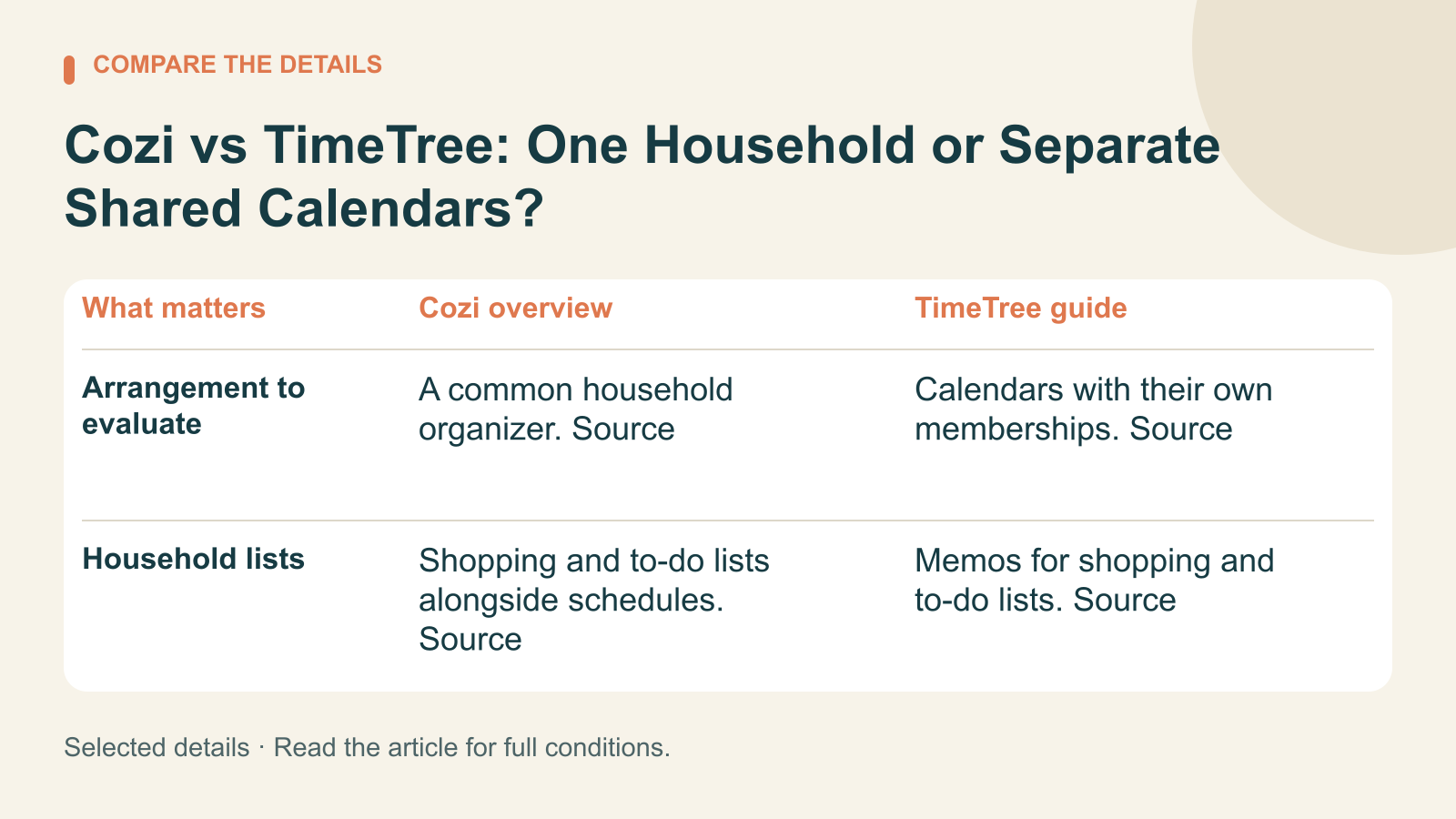
Cozi vs TimeTree: One Household or Separate Shared Calendars?
Compare Cozi and TimeTree for family schedules, shared access, household lists, and the practical limits of external-calendar connections.
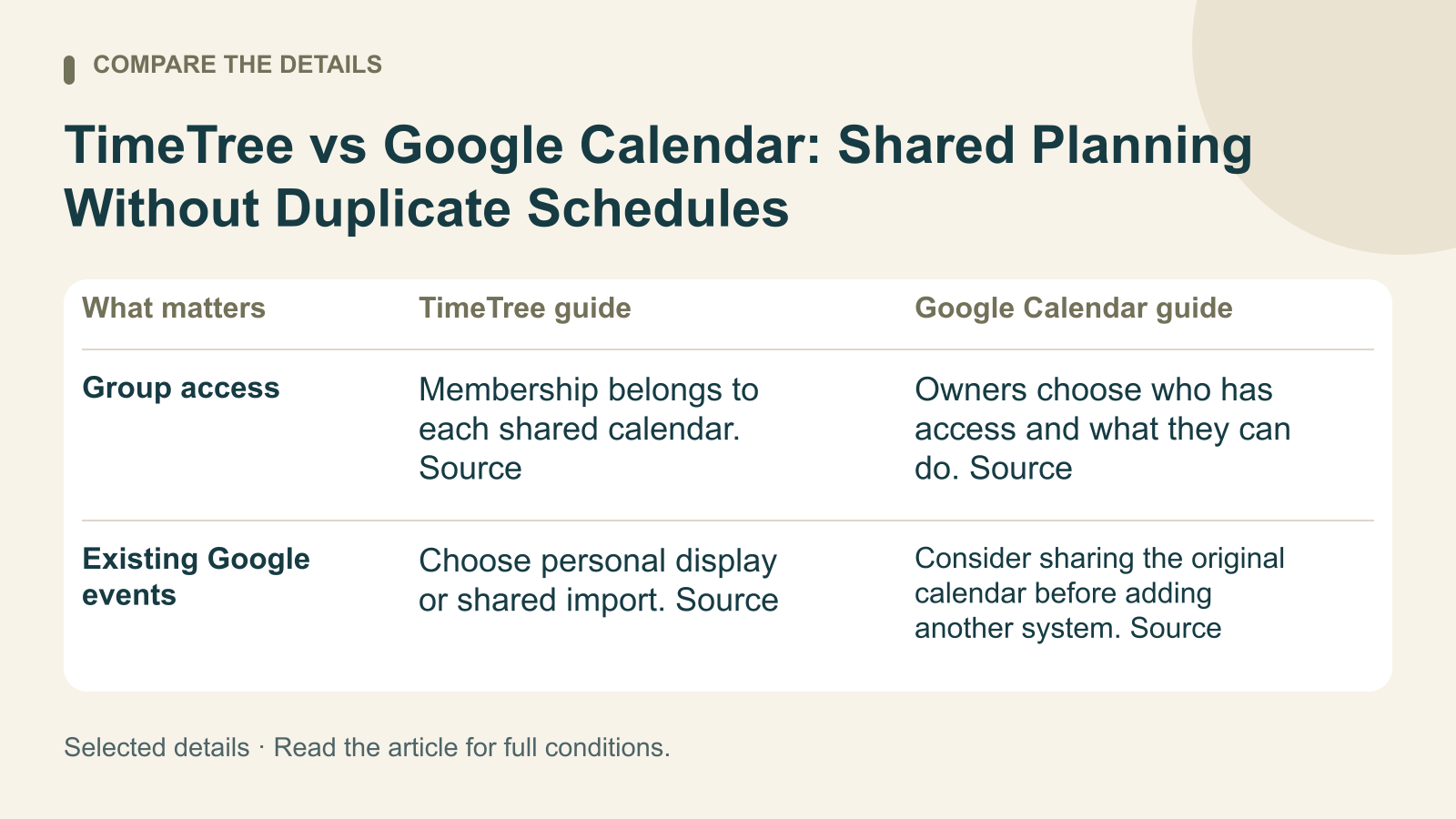
TimeTree vs Google Calendar: Shared Planning Without Duplicate Schedules
Compare TimeTree and Google Calendar for shared schedules, permission choices, and the difference between displaying and importing external events.

How to Download Offline Maps on iPhone
A checklist for choosing an Apple Maps area, reviewing your saved map, and keeping download preferences separate from map-use preferences.

How to Change Your Home Address in Apple Maps
Choose the right Apple Maps edit for a saved Home address, a misplaced pin, or a separate Contacts entry, using current Apple instructions.

How to Remove Location From iPhone Photos Before Sharing
Use three iPhone photo-location procedures for one share, a library item, or future Camera photos, plus a short pre-send checklist.

How to Use Check In on iPhone
A step-by-step Messages Check In guide with destination and timer choices, recipient requirements, and a pre-send checklist.

How to Set Up iPhone Device Finding
Set up Find My for your own iPhone, review its optional network and last-location settings, and use a checklist.

How to Search for a Missing iPhone
Use Find My or iCloud.com/find to try to locate a missing iPhone, play a sound, handle No location found, and check the pre-loss requirement.

Current Location Sharing on iPhone
Apple explains how to send one location from iPhone Messages or Maps as a snapshot that does not follow your movement.

How to See a Family Member's Location on iPhone
In Find My on iPhone, tap People and choose a name. A person may appear on a map, or Find My may show No location found or Can see your location.

Location Sharing With Family on iPhone
Apple separates one-time, trip, and ongoing location sharing on iPhone. Use Find My to share your location with selected people for a chosen duration.

“No Location Found” on iPhone: What It Means and What to Check
Seeing 'No Location Found' in Find My? Learn what Apple says it means, how the People and Devices tabs differ, and which sharing settings to check.
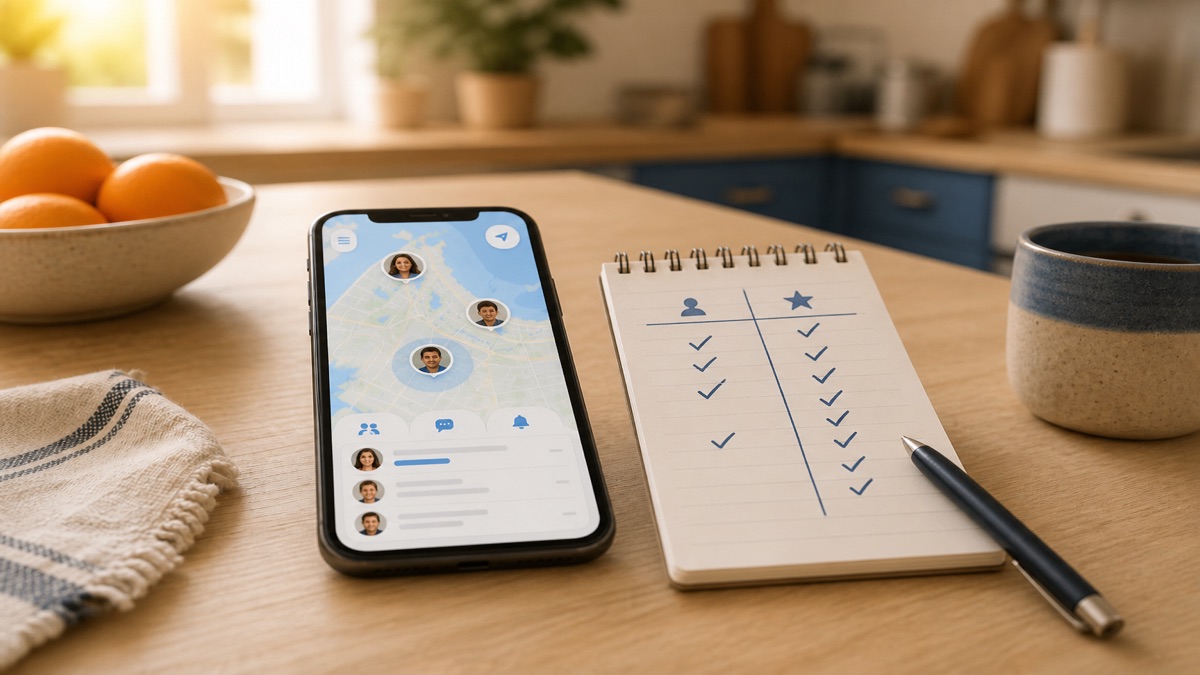
Life360 Free vs. Paid: What You Actually Get in 2026
Yes, Life360 has a real free tier. What's included, what the $9.99 to $24.99 tiers actually add, and the crash-detection fine print that decides it.
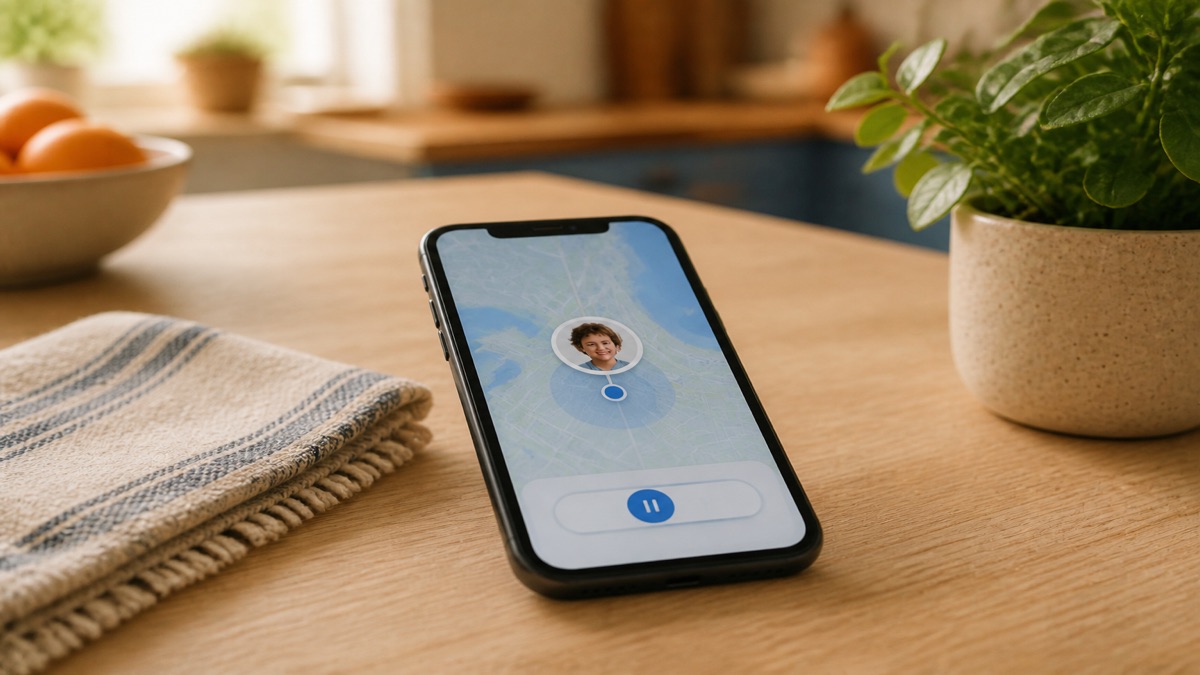
How to Pause Location Sharing (Without Drama)
Step-by-step: pausing location on Life360 and Find My, exactly what your family sees with each method, and the announced-pause move that avoids the fight.
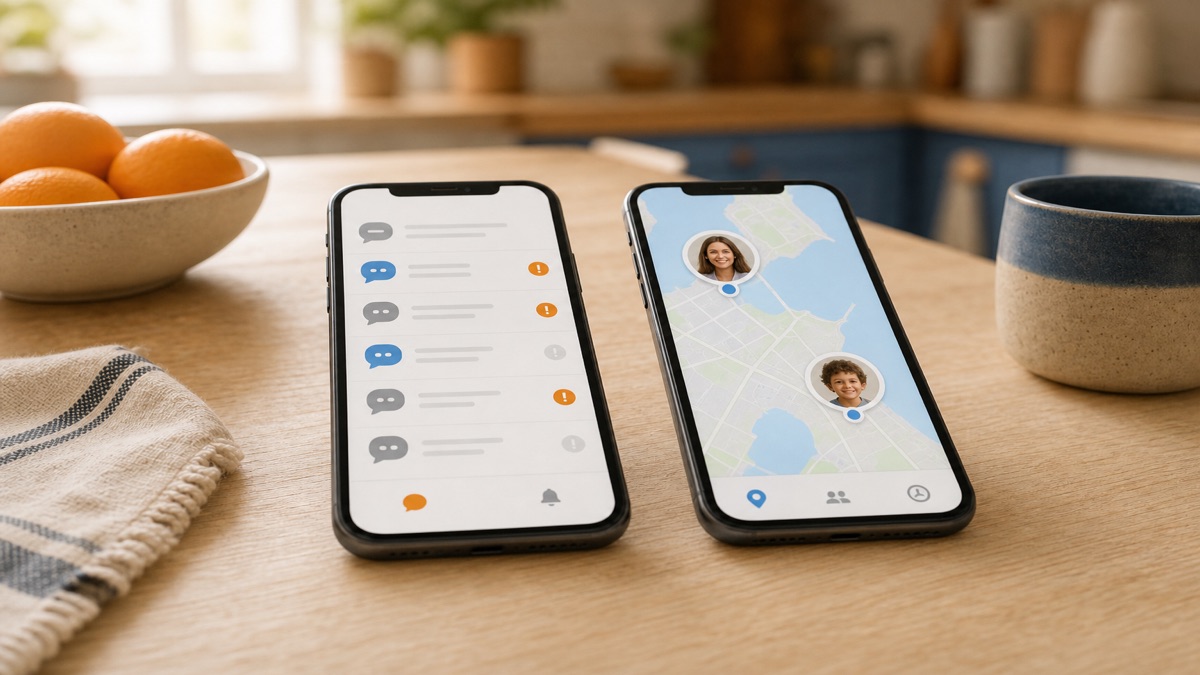
Life360 vs. Bark: Location App or Monitoring App?
Bark scans texts and social media for danger; Life360 tracks location and driving. Real 2026 prices, where each falls short, and when you need neither.
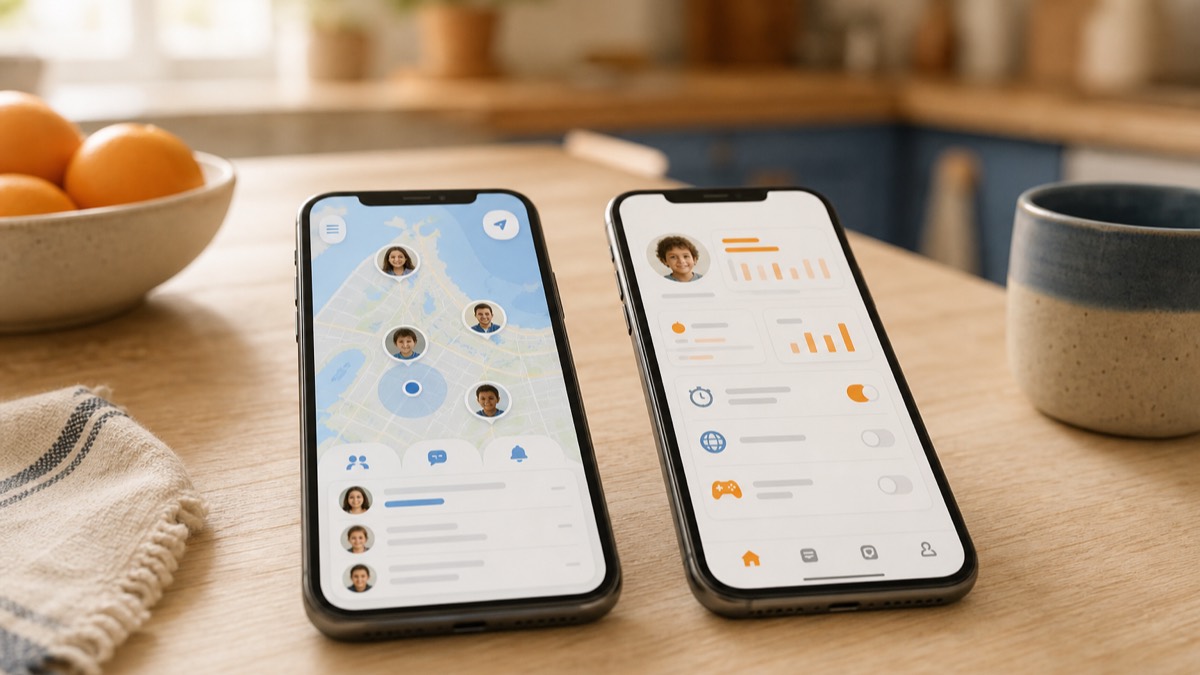
Life360 vs. Verizon Smart Family: Which Should Your Family Use in 2026?
Verizon Smart Family is now Verizon Family. Compare current 2026 prices, eligibility, parental controls, and driving features with Life360.

The Best Life360 Alternatives in 2026 (For Families Who Want ETAs, Not Surveillance)
Looking for apps like Life360? An honest comparison of Find My, FindMyKids, Lighthouse, and more, including who should just stay on Life360.

The Best Family Tracking Apps in 2026: Free and Paid, Honestly Compared
The best family tracking apps in 2026, honestly compared: free options, paid tiers, ETAs, arrival alerts, and which app fits which kind of family.
Family Location Not Updating? What “Last Seen” and “No Location Found” Really Mean
Why a family location may stop updating, what 'last seen' and 'no location found' can mean, and the iPhone and Android settings to check.
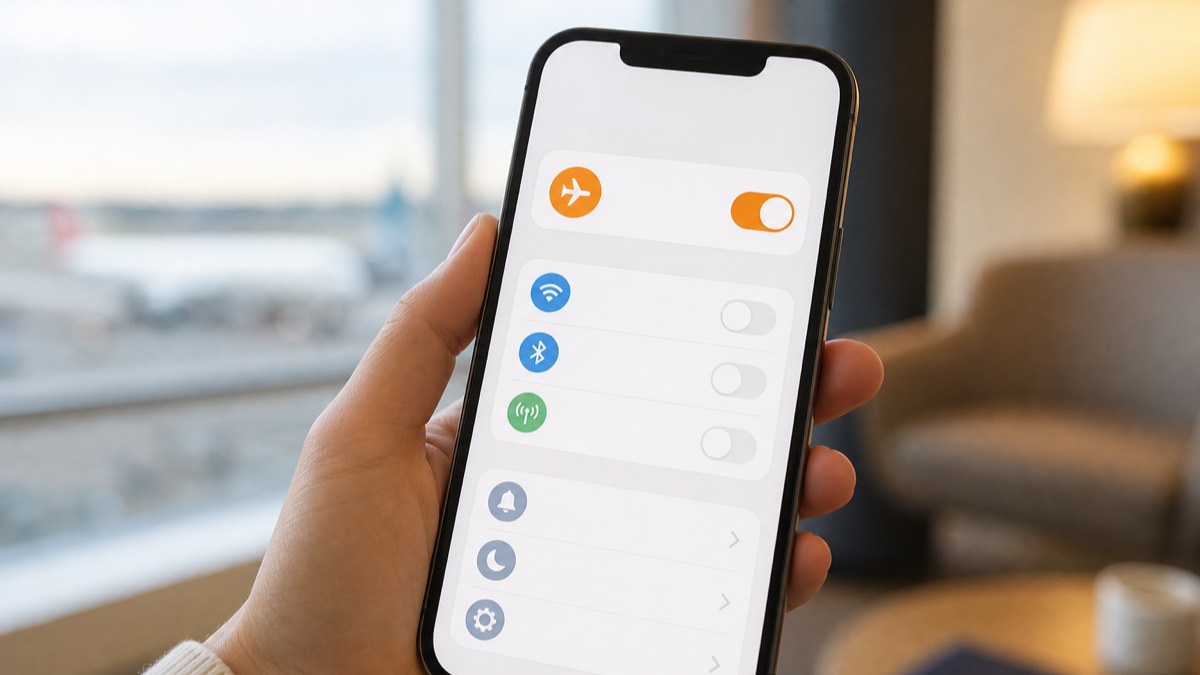
Does Airplane Mode Turn Off Location Sharing?
Airplane mode usually stops live location updates without Wi-Fi. Learn what family apps may show, when updates can resume, and what a stale location proves.

How to Get Notified When Your Teen Arrives—Without Texting While They Drive
Set up arrival notifications in Find My, Google Maps, or Lighthouse so a teen driver does not need to send a check-in text from the road.
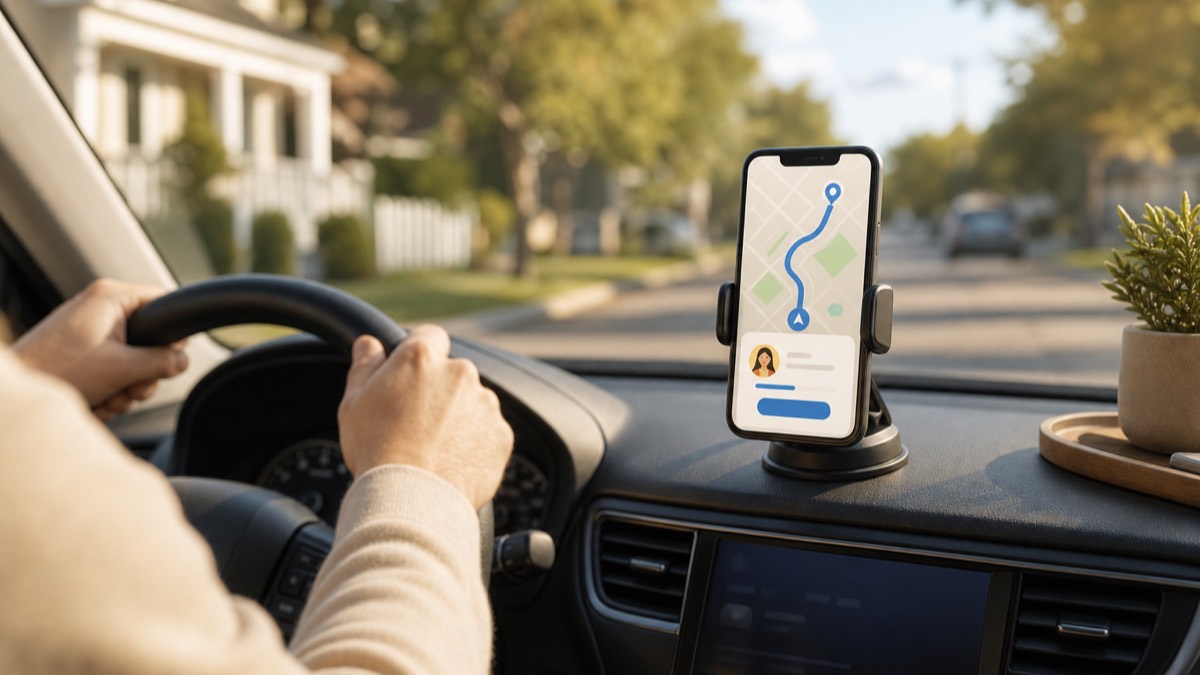
How to Share Your ETA With Family (iPhone, Android, and Lighthouse)
Step-by-step: share your arrival time with family in Apple Maps, Google Maps, Life360, and Lighthouse, and which apps update your ETA automatically.

A Location-Sharing Agreement Teens and Parents Can Both Live With
A real, printable location-sharing agreement: what parents get, what teens get, when sharing pauses, and why mutual rules beat covert tracking.