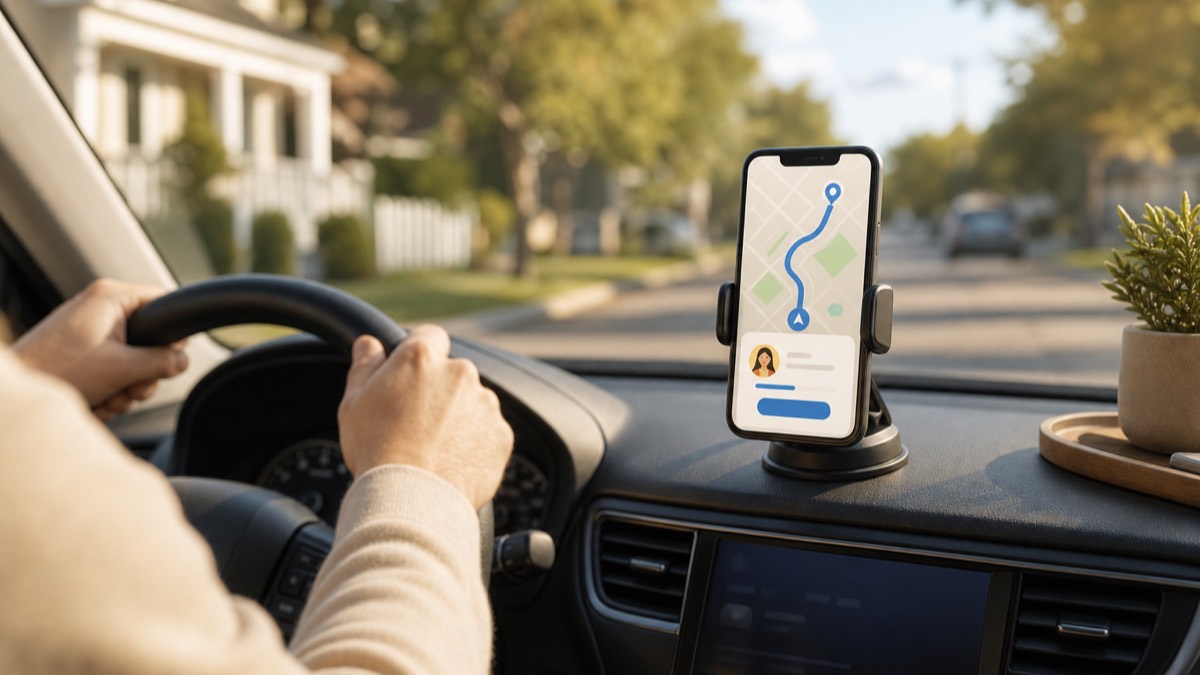
Apple Maps and Google Maps can share your live ETA after navigation starts. Apple Maps can also share automatically with a selected contact when you navigate to a pinned place. In Lighthouse, one tap of "On My Way" shares a live ETA with your circle, and arrival is confirmed automatically. Current steps for each are below.
Location sharing tells your family where you are. ETA sharing tells them what they actually want to know: when you'll arrive. A dot on the highway requires interpretation. "Home at 6:12" answers the question.
Here's how to share your ETA in each app.
Apple Maps
- Start navigation to your destination.
- Tap the route card at the bottom of the screen.
- Tap Share ETA and pick a person.
They see your destination and arrival time, and Apple Maps updates them if traffic moves your ETA. You can also ask Siri to share your ETA. Apple says recipients on other mobile devices receive an SMS message.
Automatic option for a frequent destination: add the destination as a pinned place in Maps, open its information, and add a person. Apple Maps can then share with that contact whenever you start turn-by-turn navigation to the pinned place. Availability can vary by country or region. Follow Apple's current Share ETA instructions.
Google Maps
- Start navigation.
- Swipe up on the information card.
- Tap Share trip progress and choose people.
Recipients see your live position, route, and ETA until you arrive. Works across iPhone and Android.
Limits: trip-progress sharing is manual, per trip, and ends when you arrive or stop navigation. Google also offers separate arrival and departure notifications for ongoing location sharing. Follow Google Maps' current location and ETA instructions.
Life360
Life360 shows everyone's live location continuously, and paid tiers show trip progress while someone drives. But the ETA itself isn't front and center. The family sees movement and estimates. The practical pattern for Life360 families: watch the drive on the map, rely on place alerts for arrival.
Lighthouse
Lighthouse (ours, made by MapQuest) flips the model. Instead of "share location always, add ETA manually," the product is built around trips:
- Tap On My Way and pick the destination. One tap, before the car moves.
- Your circle sees a live card: "Dave is on the way to Jack's BBQ. ETA 11 min."
- When you arrive, everyone gets an automatic arrival alert. Nobody texts. Nobody checks a map.
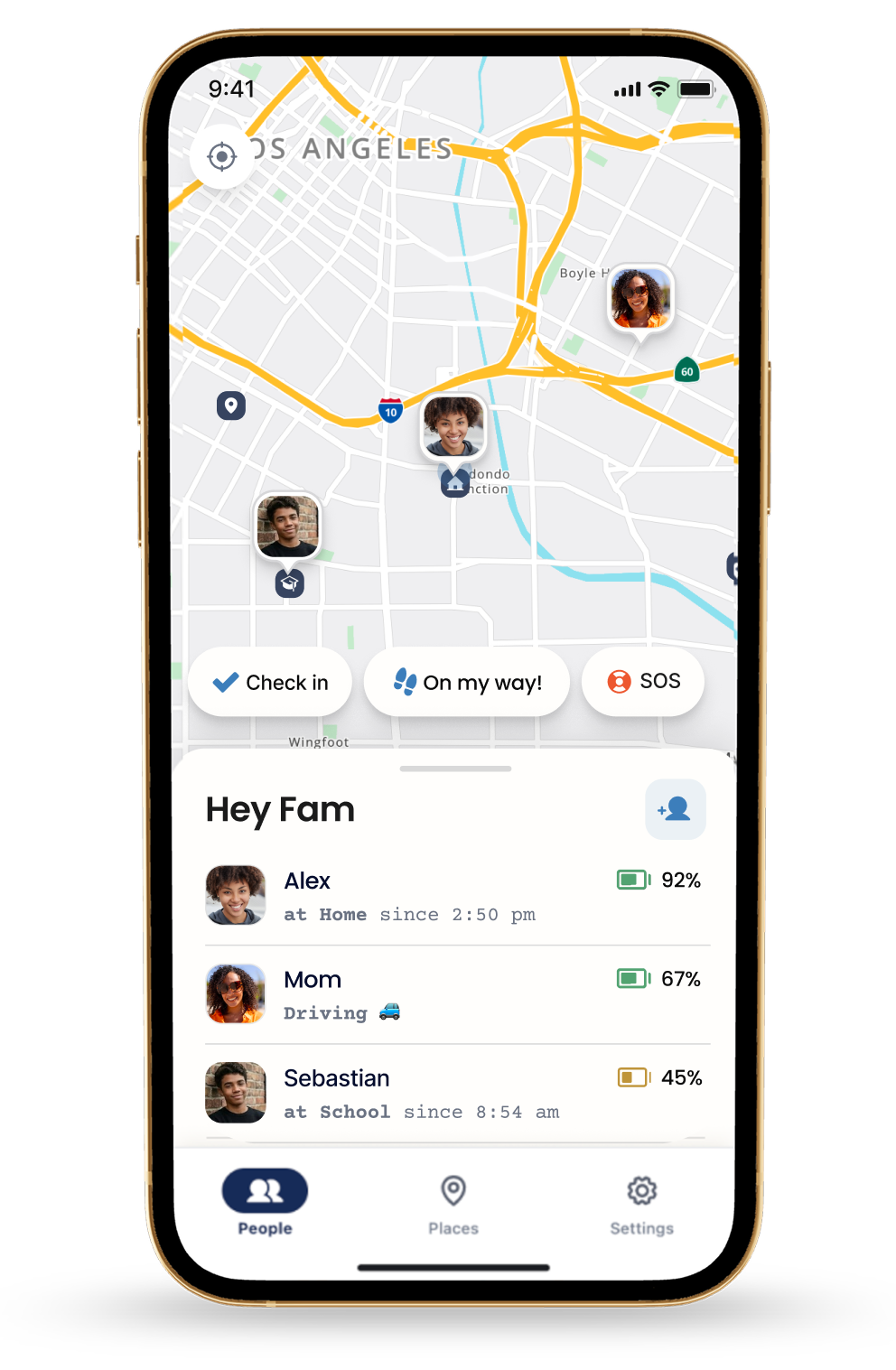
Sharing is mutual, so it works in every direction. Teens see when parents will be home too. One subscription covers the whole circle.
Which one should your family use?
| Best when | Watch out for | |
|---|---|---|
| Apple Maps | iPhone family, occasional or repeated trips | Pinned-place automation needs setup |
| Google Maps | Mixed platforms, free | Trip progress starts manually each trip |
| Life360 | Family already lives in it | ETA is inferred, not shown |
| Lighthouse | Daily coordination: commutes, practices, new drivers | iOS-first; 6 months free with annual plan, then $79.99/yr; $9.99/mo |
The honest rule of thumb: if you'd share an ETA a few times a month, the free manual options are fine. If it's daily coordination, the manual step is exactly what everyone forgets. An automatic system pays for itself in retired "where are you?" texts.
Make it a habit
Agree as a family on when ETAs get shared: leaving work, leaving practice, any drive over 20 minutes, whatever fits. Make the tap part of leaving, before the car moves.
Pair it with automatic arrival alerts so arrival needs no phone touch at all, and write both into your family location-sharing agreement.
The goal state is quiet: everyone knows when everyone lands, and nobody texted anybody from a moving car.