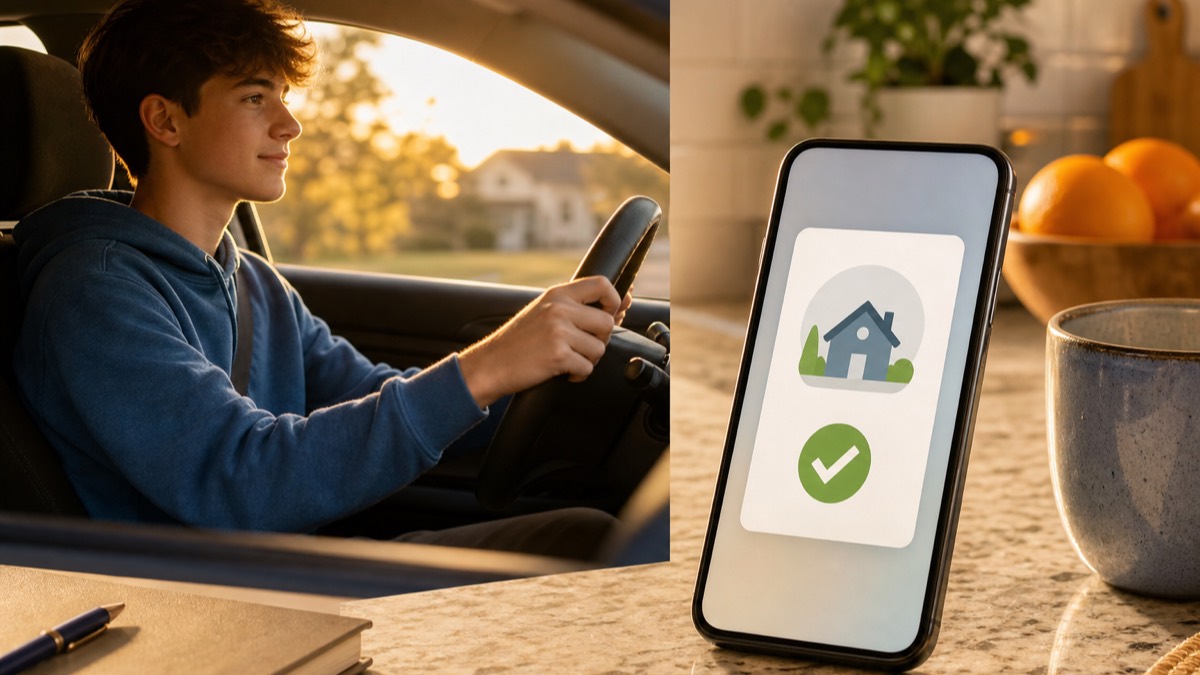
A hands-free way to know your teen arrived is an arrival alert: after setup, a compatible app can notify you when the phone reaches a saved place without requiring the driver to send a text. Delivery still depends on the phone, permissions, network, and app service.
Here's the loop most families with a new driver fall into. You worry, so you text. The text lands while they're driving. They know you're waiting, so they glance at it.
Reading a text takes eyes off the road for about five seconds. That's a football field at 55 mph. The worry created the risk it was trying to manage.
The fix isn't worrying less. It's moving the confirmation off their hands entirely.
The three ways families do this
Texting "did you make it?" (the default, and the worst)
It fails in both directions. If they remember while driving, they're texting behind the wheel. If they wait until they've parked, they usually forget: new place, friends, adrenaline. Twenty minutes later you're texting them, and the loop starts.
Teen drivers already crash at about three times adult rates per mile. The last thing the system needs is a reason to look at the phone.
Watching the dot on a map
Better, since no interaction is needed. But now your evening is radar duty. You're refreshing a map, interpreting every stop, and stale locations trigger false alarms. (Here's why dots freeze and what to check.)
Watching the whole journey also crosses from coordination into monitoring, which is exactly what teens push back on.
Automatic arrival alerts
You save the places that matter. When their phone enters one, you get a notification: "Sarah arrived at school, 8:54am."
Nobody texted or watched the whole trip. The driver did not need to handle the phone during the drive. As with every location service, an alert can be delayed or missed when the phone is offline, permissions change, or the service cannot retrieve a current location.
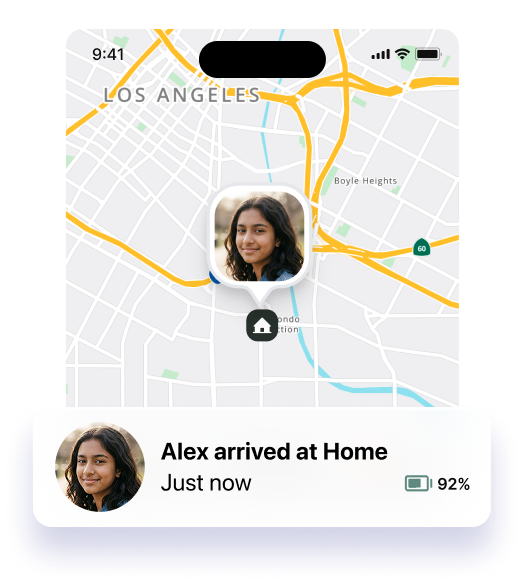
Free arrival-notification options
You may not need another subscription. On iPhone, Find My lets a person create one-time or recurring notifications for an arrival or departure; the person being followed is notified, and recurring notifications require approval. See Apple's Find My instructions.
Google Maps also lets eligible users add arrival or departure notifications for someone who already shares location with them. Google says the person sharing receives an email and, when enabled, a push notification about the alert. See Google Maps Help.
Setting it up in Lighthouse
Lighthouse (made by MapQuest) is built around this flow. Setup is one-time and short:
- Create your circle. Sharing is mutual, parents included. That's the difference between a family utility and one-way monitoring.
- Save your places: home, school, work, the usual friend houses. Make the radius appropriate for the real destination area, especially on a large school campus.
- Turn on arrival notifications for the people and places you care about.
- Teach the one-tap "On My Way." Heading home, one tap before the car moves, and the circle sees a live ETA. No typing, ever.
After setup, On My Way shares the ETA for that trip and arrival alerts can reduce the need for a follow-up text. Availability and timing still depend on device and network conditions.
When the alert doesn't fire
If an alert does not arrive, check the ordinary causes first: battery, signal at the destination, the location and background permissions required by the app, notification settings, and the saved place's radius.
Our troubleshooting guide walks the full fix list. The calm rule: a missing alert starts a technical check; it does not prove what happened.
The part that isn't software
Arrival alerts stay reliable only if your teen doesn't want to defeat them. That means the system has to feel fair:
- Everyone shares, not just the kid.
- The journey isn't interrogated. "Why'd you stop at Chick-fil-A?" is how you teach someone to turn the phone off.
- Privacy has negotiated room in it.
We wrote a location-sharing agreement that makes those rules explicit. Ten minutes at the kitchen table, and the technology stops being a fight.
Set it up once, and "did you make it?" becomes a notification you glance at, instead of a text your new driver reads at 55 mph.