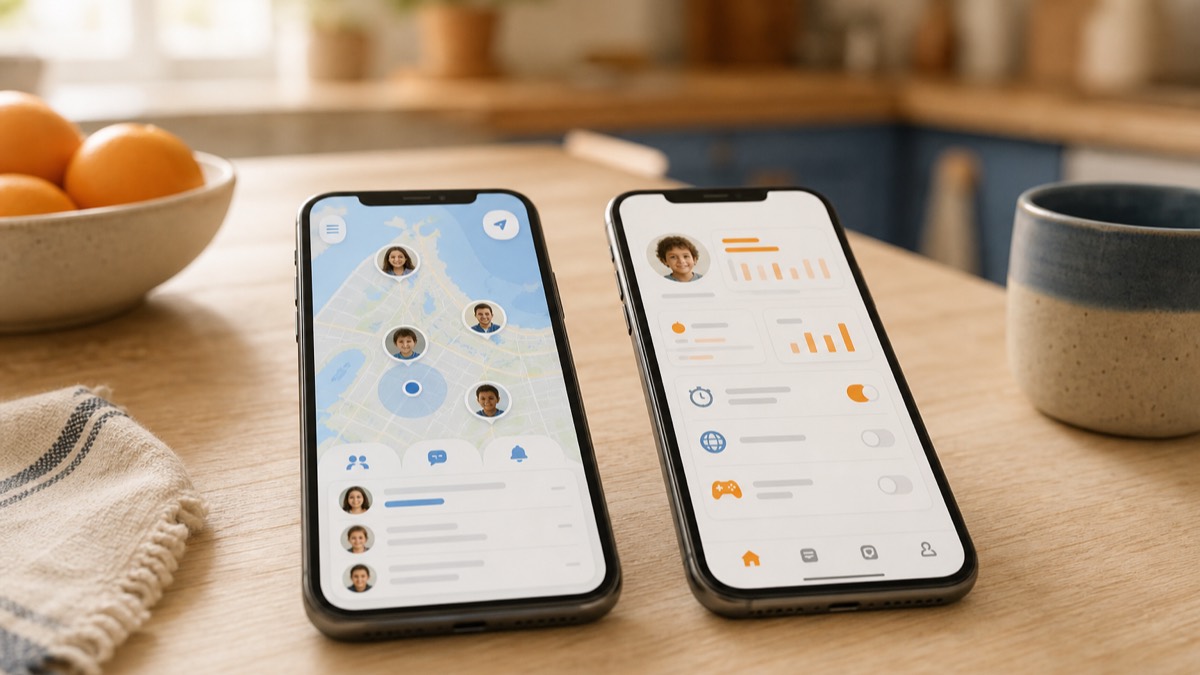
First, a fact most comparison articles miss: Verizon Smart Family doesn't exist anymore. Verizon renamed it Verizon Family, and the basic tier (location sharing, SOS, call and text review) is now included with eligible standard monthly Verizon accounts. The paid Family Plus tier is $14.99/month and adds parental controls and roadside assistance. Life360 works on any carrier and starts free, but emergency dispatch and roadside assistance start at the $16.99/month Gold plan. They're close in price but very different products: Family Plus buys you control over a kid's phone, while Life360 Gold buys you driving safety.
What they actually cost (checked September 2026)
Both products price per family, not per person. One subscription covers your whole Verizon account or your whole Life360 circle.
| Plan | Price | What you get |
|---|---|---|
| Verizon Family | Included with an eligible standard monthly Verizon account | Location sharing, one boundary alert, Safe Walk with SOS, call and text review |
| Verizon Family Plus | $14.99/mo ($10/mo as a myPlan perk) | Adds content filters, screen-time limits, pause the internet, unlimited location alerts, driving insights, roadside assistance, 24/7 Assist |
| Life360 Free | $0 | Live location, 2 days of history, 2 place alerts, SOS |
| Life360 Silver | $9.99/mo | 7 days of history, 5 place alerts, crash detection |
| Life360 Gold | $16.99/mo | 30 days of history, unlimited place alerts, crash detection with emergency dispatch, roadside assistance, individual driver reports |
| Life360 Platinum | $24.99/mo | Everything in Gold plus free towing, $1M stolen funds reimbursement, disaster response |
Prices are US monthly rates reviewed September 2, 2026. Verify the current price and eligibility on Verizon's Family FAQs, Verizon's Family Plus perk FAQs, and Life360's US plans page before buying. Verizon says Family Plus is included when a customer switches to Unlimited Ultimate on or after May 7, 2026; other eligibility and taxes can vary.
The compatibility question: who needs parental controls?
Verizon's account-level controls are designed for compatible devices on the Verizon account. That matters if you want to filter content, manage screen time, review Verizon call and text activity, or pause a child's internet access.
Cross-carrier location sharing is more flexible than the old Smart Family product was. Verizon says an account owner can invite someone outside the Verizon account as a Member, provided that person accepts the invitation and installs the app. That outside-account member does not become a Verizon-managed child line. If your family spans carriers, compare exactly which people need location sharing and which devices need carrier-level controls.
The real comparison: $14.99 vs. $16.99
The interesting matchup isn't the free tiers. It's Verizon Family Plus against Life360 Gold: they're within $2 of each other and buy completely different things.
Family Plus is a control product. Content filters, screen-time schedules, a button that pauses the internet, web and app activity reports. It can even block a kid from deleting the companion app on Android. This is built for parents of kids roughly 8 to 13, and for that job it's genuinely strong.
Life360 Gold is a driving-safety product. Its US plan includes crash detection with emergency dispatch, 24/7 roadside assistance, and individual driver reports that show phone use behind the wheel. There are no content controls at all. This is built for parents of teen drivers.
So the question isn't "which app is better." It's "what stage is my kid in?" Filters make sense at 9. They cause daily fights at 16, when the thing you actually worry about is the car. For teens, an open agreement usually works better than controls; we wrote a parent-teen location-sharing agreement you can copy.
Where each one is weak
Verizon Family's location is the side feature, not the job. The free tier gives you one boundary alert, total. Unlimited alerts require Plus, and location accuracy depends on the companion app being installed and alive on the kid's phone. If "where is everyone" is your main question, this isn't the tool.
Life360 asks for more background activity than a simple check-in tool. Battery impact and notification volume vary by device and settings, so review those settings during setup. When a phone dies or drops signal, you may get a stale "last seen" dot; here's how to troubleshoot a family location that is not updating.
When neither fits
Be honest about the moment you'll actually open the app. For most parents it's one of these:
- "Did she make it to school?"
- "When will he be home?"
- "Is Mom back from her appointment?"
Those are arrival questions, and neither product is built around them. You open a map, find the dot, and do the math yourself.
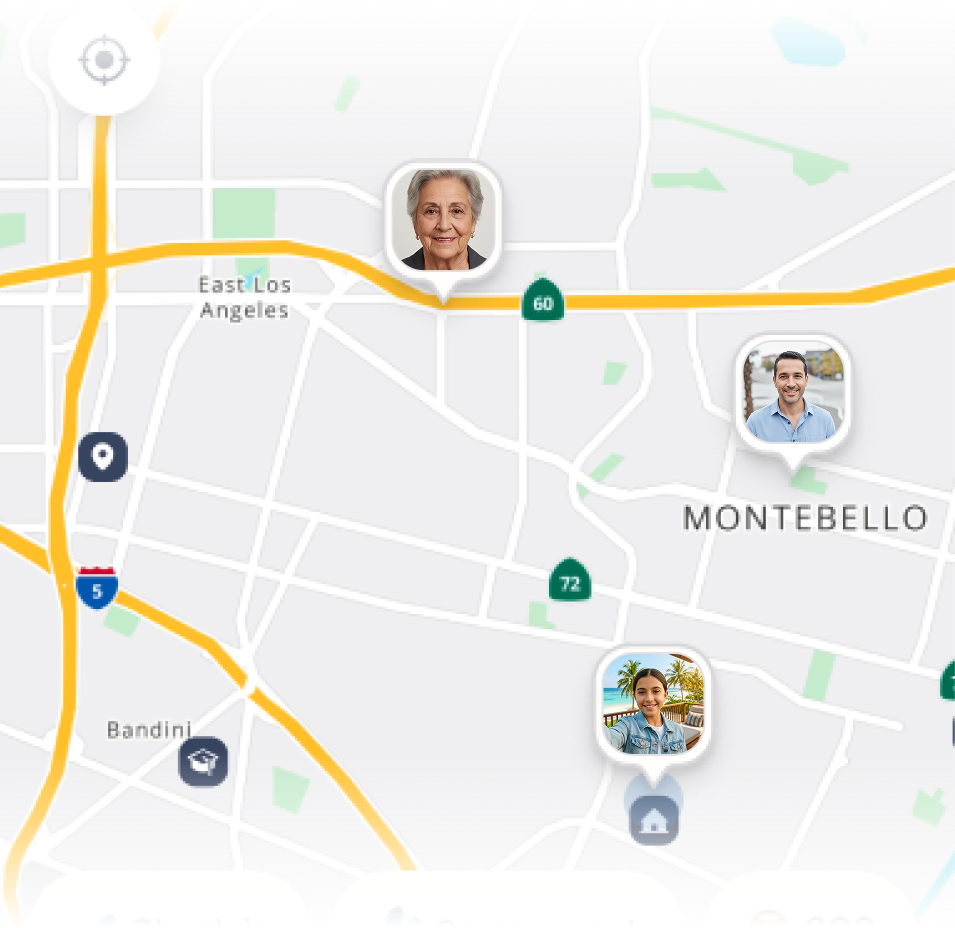
Lighthouse, made by MapQuest (that's us), is built around exactly that question. Live ETAs for everyone in your circle, one-tap "On My Way" alerts, and automatic arrival notifications so nobody has to text "here!" from a parking lot. No filters, no driving scores, because for families with members 13 and up the job is coordination, not control.
The bottom line
- Kids under 13 who need Verizon account controls: Verizon Family Plus. It combines screen-time and content controls with location features for eligible accounts and devices.
- Teen drivers, or a family across carriers: Life360 Gold at $16.99/month. Crash detection and roadside assistance are worth it once there's a new driver in the house.
- You mostly ask "did they make it?": Skip the monitoring suite. An ETA-first app like Lighthouse answers that automatically. See how it stacks up in our honest list of Life360 alternatives.